









How To Use Your Phone To Create a Real Estate Property Video
How to Create Professional Property Videos with Your Phone
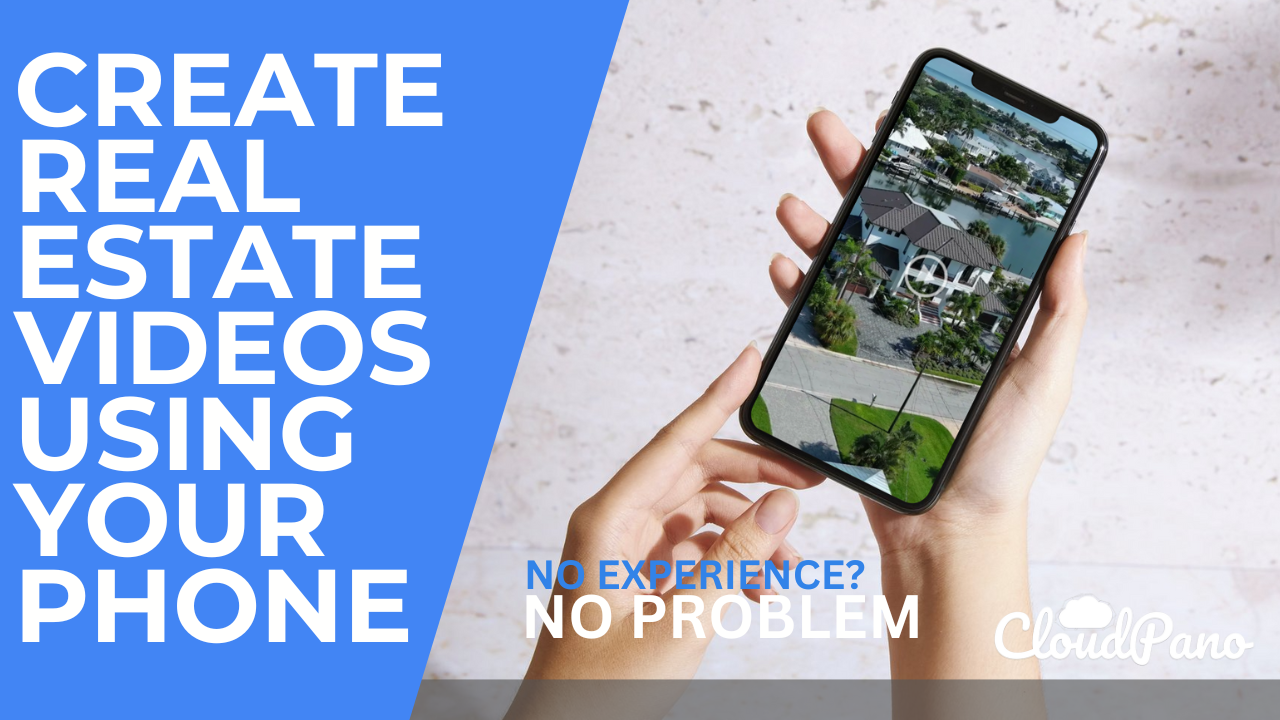
Creating professional property videos for your real estate listings has never been easier. With CloudPano’s latest feature, you can now produce high-quality videos using just your cell phone. This guide will walk you through the process, ensuring that your property videos look professional and are ready for your MLS and clients.
Getting Started with CloudPano
CloudPano is renowned for its 360 virtual tour and video tour software. Recently, they’ve introduced a professional property video editing service to make your life even easier. Here’s how you can use CloudPano to create stunning property videos with your phone:
Step-by-Step Guide
- Visit CloudPano: Head over to CloudPano.com and explore their virtual and video tour services. They now offer property video editing services, which you can find by clicking the banner at the top of the page.
- Capture Quality Footage: Use your iPhone, Android, or any smartphone to capture video footage of the property. Here are some tips:
- Smooth Movements: Walk smoothly while capturing the video to avoid jerky transitions.
- Exterior Shots: Start with the exterior, capturing wide shots of the front and back yards. Drone footage works great for this if available.
- Interior Shots: Move from room to room, capturing important features. Each clip should be around 6-10 seconds long.
- Highlight Key Areas: Focus on the main areas like the living room, kitchen, bedrooms, and bathrooms. Ensure each clip is smooth and steady.
- Upload Your Raw Videos: Use an online file-sharing service like Piiastic Doai to upload your raw video files. Share the link with the CloudPano editing team through their property video editing page.
- Professional Editing: The CloudPano team will take your raw footage and enhance it by adding transitions, music, and color corrections. You can expect the final product within 24 hours for most projects.
Tips for Capturing Great Footage
- Consistent Pace: Maintain a steady pace to ensure smooth transitions.
- Proper Lighting: Ensure all lights are on and windows are open to maximize natural light.
- Focus on Key Features: Highlight important features of each room, such as the bed in a bedroom or appliances in the kitchen.
- Vertical Formats for Social Media: CloudPano can also optimize your videos for social media platforms like Instagram Reels, Facebook Reels, YouTube Shorts, and TikTok.
Final Steps
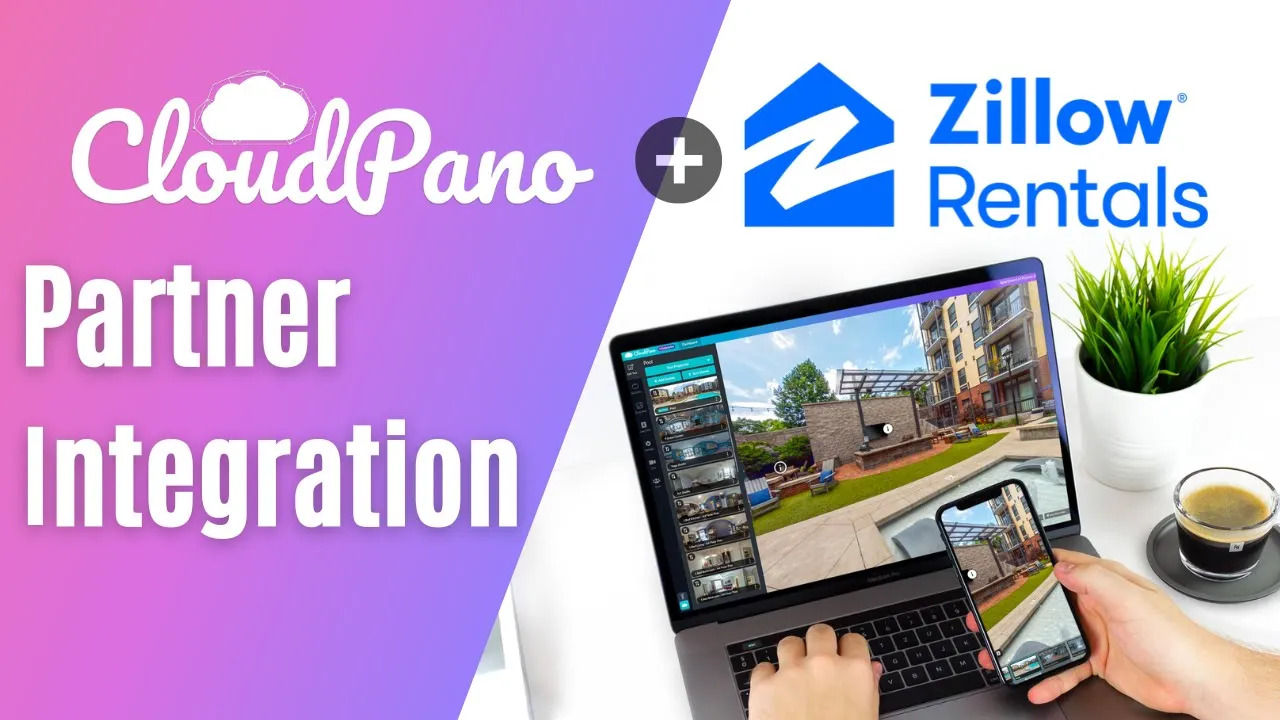
Once your videos are edited, CloudPano can host them for you. This means you don’t have to worry about using YouTube or Vimeo. Your videos can be directly integrated with real estate platforms like Zillow, Realtor.com, and HotPads, enhancing your listings with rich media that attracts more potential buyers.
Example Output
Here’s what you can expect from the final output:
- Opening Scene: Includes property information and smooth transitions.
- Music: Background music to enhance the viewing experience.
- Seamless Editing: Professionally edited clips that make the property look appealing.
Final Thoughts
Creating professional property videos with your phone is now a hassle-free process with CloudPano. By following these simple steps and utilizing their professional editing services, you can produce high-quality videos that highlight the best features of your properties and attract more potential buyers.
Ready to get started? Visit CloudPano.com and click on the property video editing service banner to begin your order today. Enhance your real estate listings with professional property videos and see the difference they make.
For any questions or further assistance, feel free to reach out. Elevate your real estate marketing with CloudPano’s professional property video services!