









How To Upload Images On Pictastic.ai
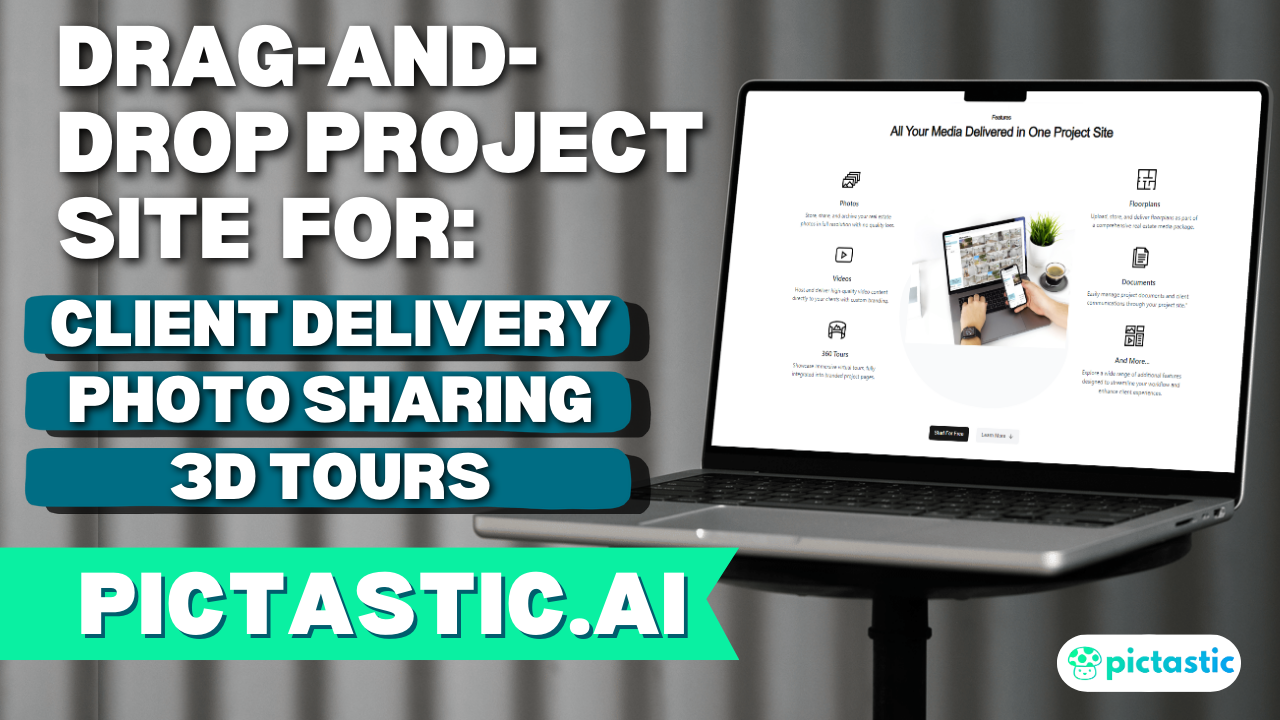
Are you looking for a seamless way to manage your media and showcase your work? With Pictastic.ai, uploading and organizing your images has never been easier. Designed for photographers, real estate professionals, and media teams, Pictastic.ai streamlines your workflow and helps you deliver stunning galleries and projects with ease.
💡 How to Upload Images on Pictastic.ai:
- Log In or Sign Up for Free: Start with zero upfront cost—no credit card required.
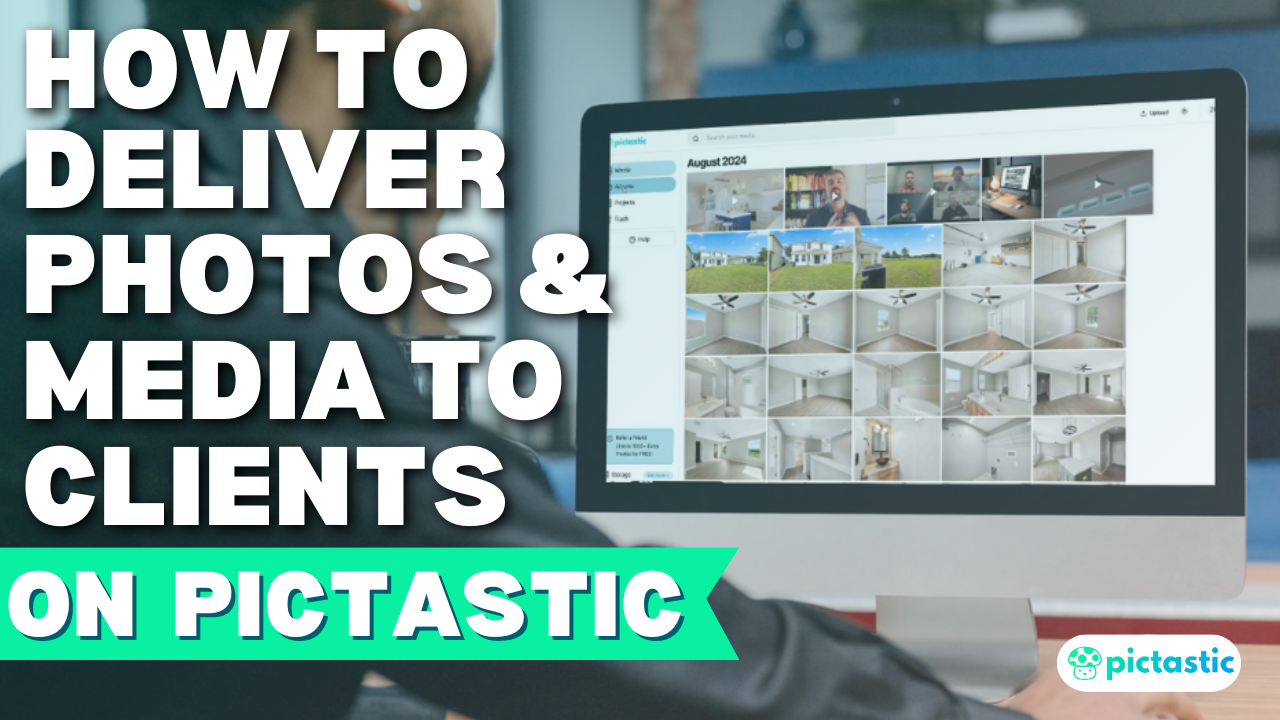
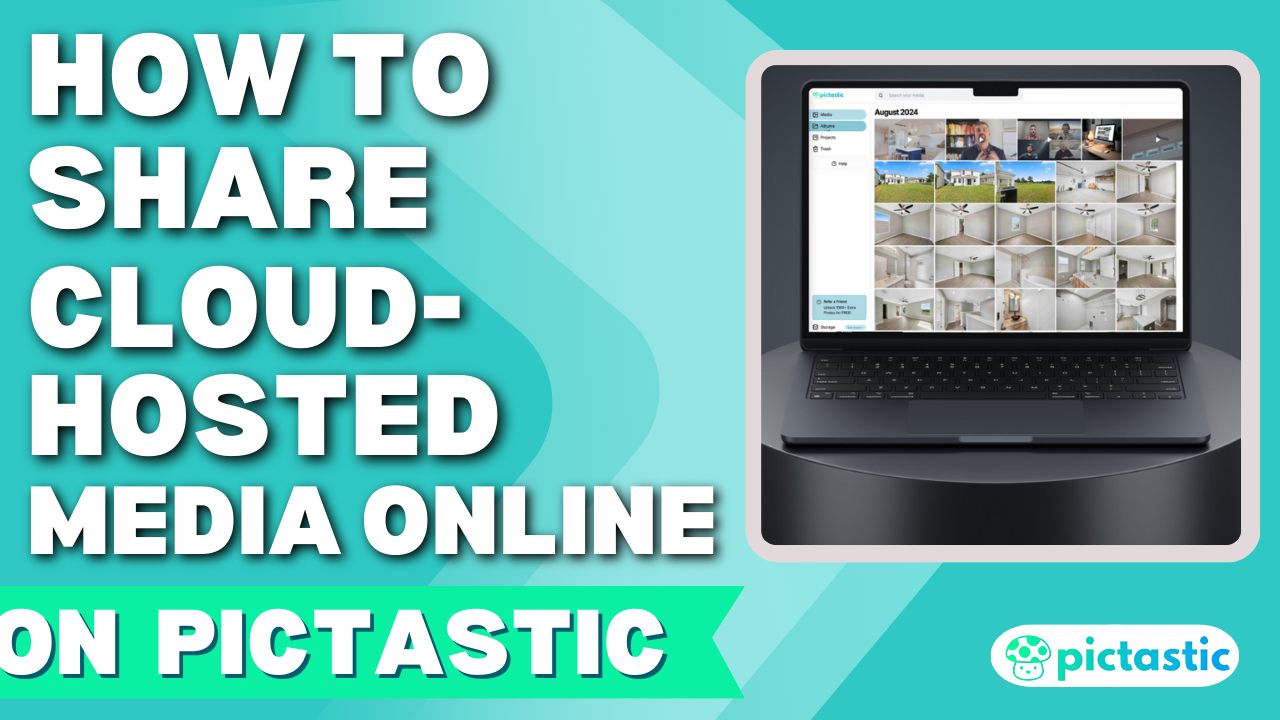
- Navigate to the Media Section: Access your Media, Albums, and Projects from the intuitive left sidebar.
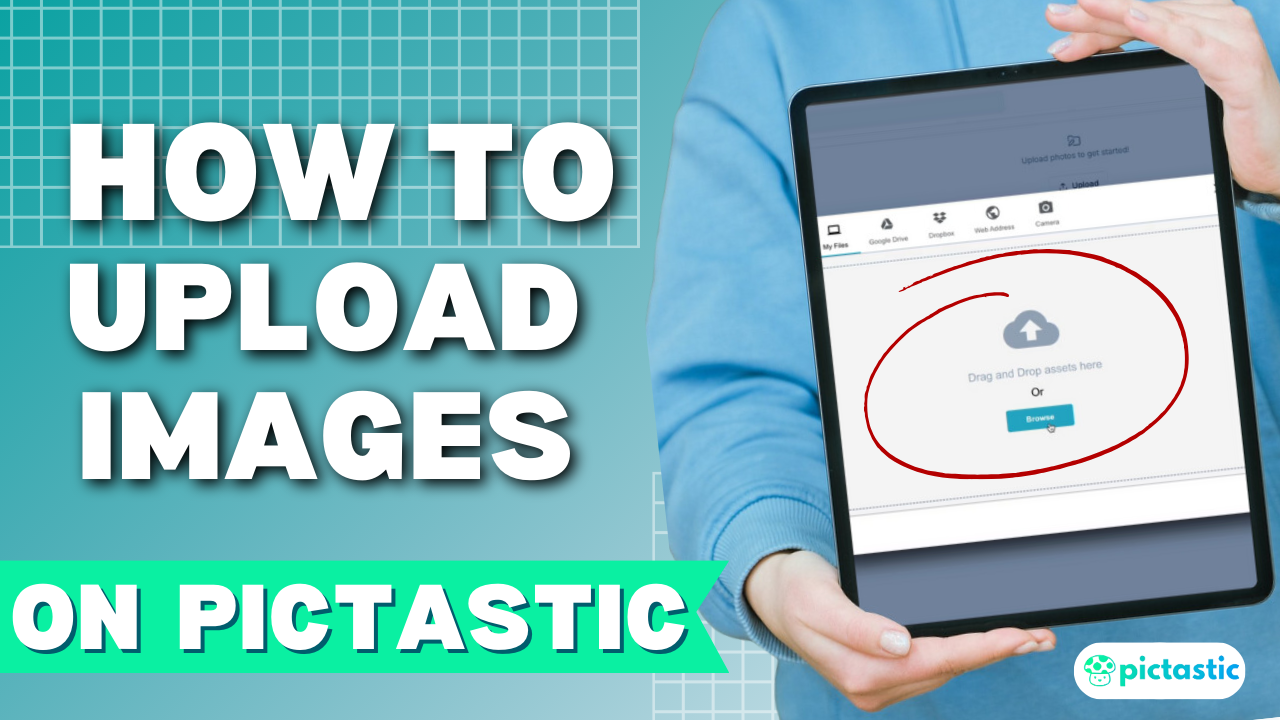
- Upload Your Images: Click “Upload,” browse your device, and select your files. Once uploaded, they’re saved in high resolution on our secure servers.
- Manage Your Images: Preview, share, rotate, or delete images effortlessly. Download high-res files or organize them into albums for your next project.
✨ Why Choose Pictastic.ai?
- High-resolution storage for professional results.
- Intuitive tools for managing and sharing media.
- Perfect for photographers and real estate professionals looking to scale their business.
📍 Ready to experience hassle-free media management?
👉 Sign up for free today: https://pictastic.ai
#PictasticAI #MediaManagement #PhotographyTools #RealEstatePhotography #UploadImages
Your media, your brand—delivered smarter. 🚀