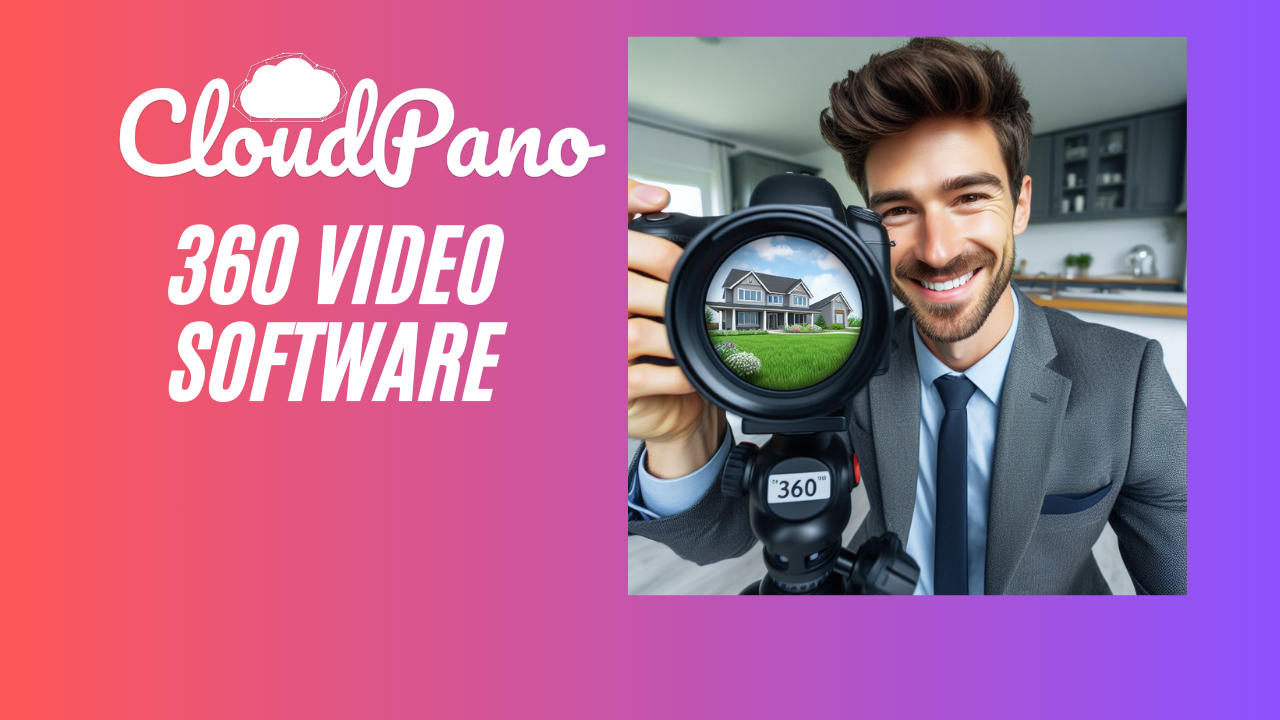
In the realm of visual storytelling and digital experiences, 360 video software has emerged as a powerful tool, offering a gateway to immersive and interactive content. Whether you are a content creator, marketer, or simply someone eager to explore the possibilities of 360-degree video, this article will guide you through the best options available, unlocking the potential for unforgettable and captivating experiences.
Understanding the Impact of 360 Video
Before diving into the world of 360 video software, it’s essential to grasp the impact and potential of this technology. Unlike traditional videos, 360-degree videos provide viewers with the ability to control their perspective, creating a more engaging and immersive experience. This format is particularly effective for virtual tours, storytelling, training simulations, and marketing campaigns.
Key Features to Look For
- Ease of Use: Opt for software that offers a user-friendly interface, ensuring that both beginners and experienced users can navigate the platform effortlessly.
- Compatibility: Ensure that the software supports various platforms and devices, allowing your audience to enjoy the 360-degree experience seamlessly.
- Editing Capabilities: Look for robust editing features that enable you to enhance your 360 videos with effects, annotations, and other creative elements.
- Distribution Options: Choose software that facilitates easy sharing and distribution of your 360 videos, whether through social media, websites, or dedicated platforms.
- Quality of Output: Prioritize software that supports high-resolution 360 videos, ensuring a clear and crisp viewing experience for your audience.
Top Picks in 360 Video Software
- Kolor Autopano Video: Known for its advanced stitching capabilities, Autopano Video is a professional-grade software that enables users to create seamless and high-quality 360-degree videos.
- Adobe Premiere Pro: A powerhouse in video editing, Adobe Premiere Pro has robust capabilities for editing 360-degree videos, making it a favorite among professional videographers.
- Insta360 Studio: Specifically designed for Insta360 cameras, Insta360 Studio provides users with an intuitive interface for stitching and editing 360-degree videos with ease.
- CyberLink PowerDirector 365: This user-friendly video editing software includes 360 video editing features, making it an excellent choice for both beginners and experienced editors.
- GoPro VR Reframe (formerly known as “Reframe Studio”): Ideal for GoPro users, this software allows you to transform 360 footage into traditional fixed-frame videos, giving you creative control over the final output.
Considerations Before Choosing
- Budget: Determine your budget for 360 video software, as different options may come with varying pricing structures.
- Project Requirements: Consider the specific needs of your projects. Whether it’s cinematic storytelling, virtual tours, or marketing content, choose software that aligns with your goals.
- Learning Curve: Assess the learning curve associated with each software. Opt for one that matches your skill level and provides room for growth as you become more proficient.
Conclusion
As you embark on the journey of creating immersive 360-degree videos, exploring the features and capabilities of different software options is crucial. The right 360 video software can unlock a world of possibilities, allowing you to tell stories in ways that captivate and engage your audience. Whether you’re a seasoned professional or a newcomer to the world of 360 video, the options highlighted in this article provide a solid foundation for unleashing immersive experiences that leave a lasting impact.
Visit the link to read more: