










How To Share Cloud-Hosted Media Online
Sharing cloud-hosted media like images, videos, and other content has never been easier with Pictastic.ai. Whether you’re a photographer, real estate professional, or part of a media team, Pictastic.ai simplifies the process of organizing and sharing media with clients and collaborators. Here’s a step-by-step guide to help you share your content seamlessly.
Step 1: Upload and Organize Media 🖼️🎥
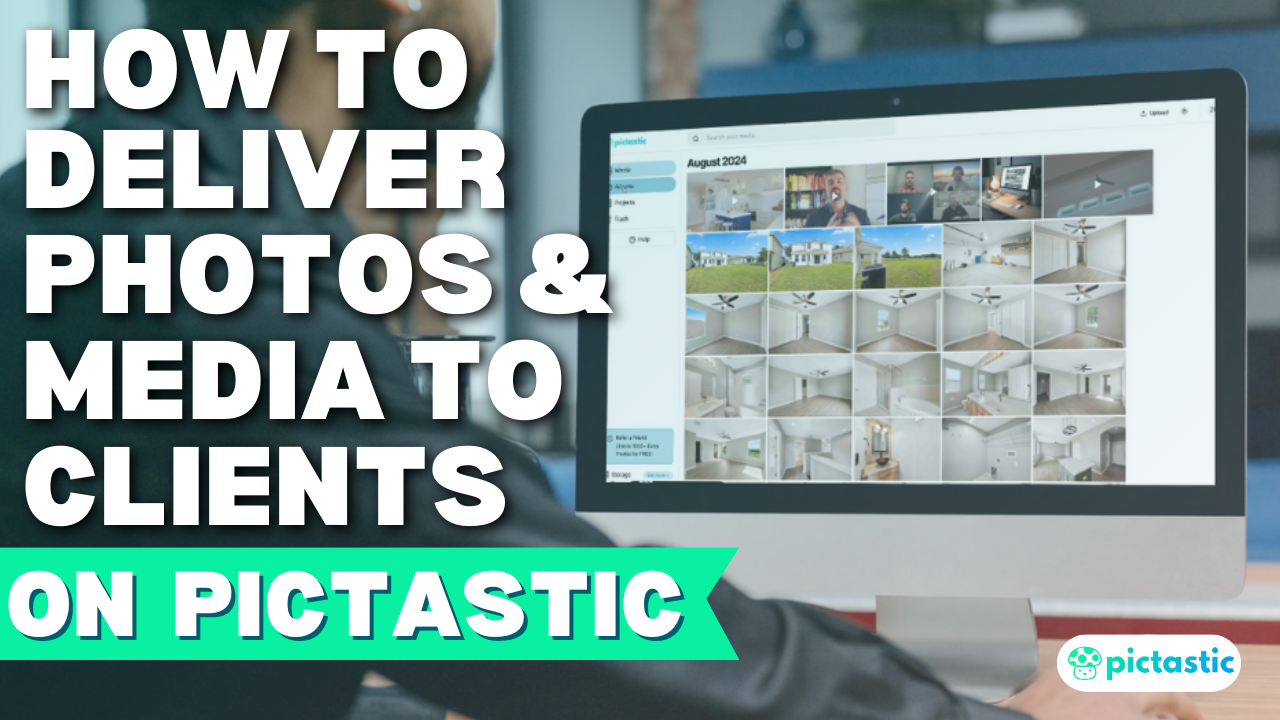
Start by uploading your media to your Media Gallery. You can then organize your content into albums:
1️⃣ Select images or videos from your Media Gallery.
2️⃣ Click Add to Album, select an album, and click Add to Album.
3️⃣ Open the album to preview and manage your media files.
Step 2: Share an Album 🌐📤
Once your album is ready, sharing is simple:
1️⃣ Open the album and click the Share Album button.
2️⃣ The album’s unique URL is copied to your clipboard.
3️⃣ Share the URL with clients or team members via email or messaging platforms.
Step 3: Share Individual Media Files 📎🖼️
Need to share a specific image or video?
1️⃣ Open the media file.
2️⃣ Click the Share button to copy the unique URL.
3️⃣ Share the link with anyone—no login required.
Benefits of Sharing Cloud-Hosted Media on Pictastic.ai 💻✨
- Easy Accessibility: Clients can view media without needing an account.
- Professional Presentation: Deliver polished albums and files that reflect your brand.
- Customizable Details: Edit album titles, cover images, and content as needed.
Scale Your Media Delivery 🚀📈
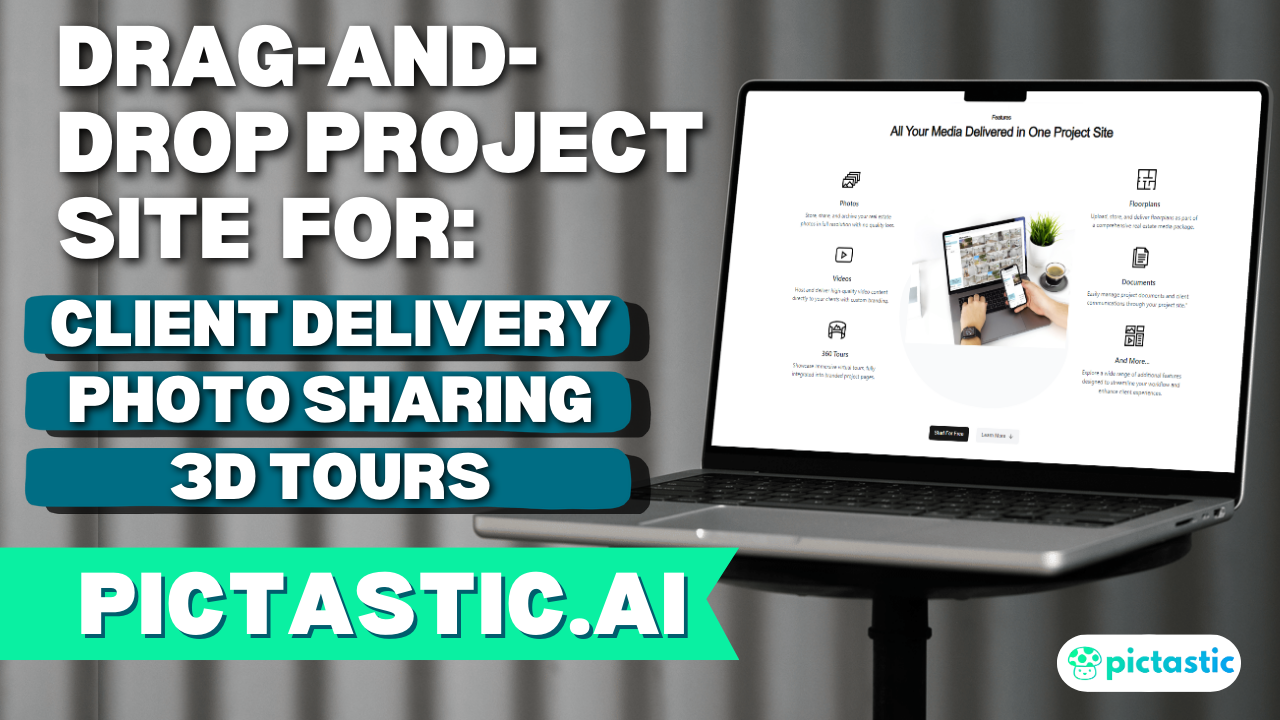
With Pictastic.ai, you can organize and share your media effortlessly, creating a professional experience for your clients. Albums can also be integrated into projects, allowing for tailored deliverables that meet specific client needs.
📍 Get started today and elevate your media sharing: https://pictastic.ai
#PictasticAI #CloudHosting #MediaDelivery #PhotographyTools #RealEstatePhotography